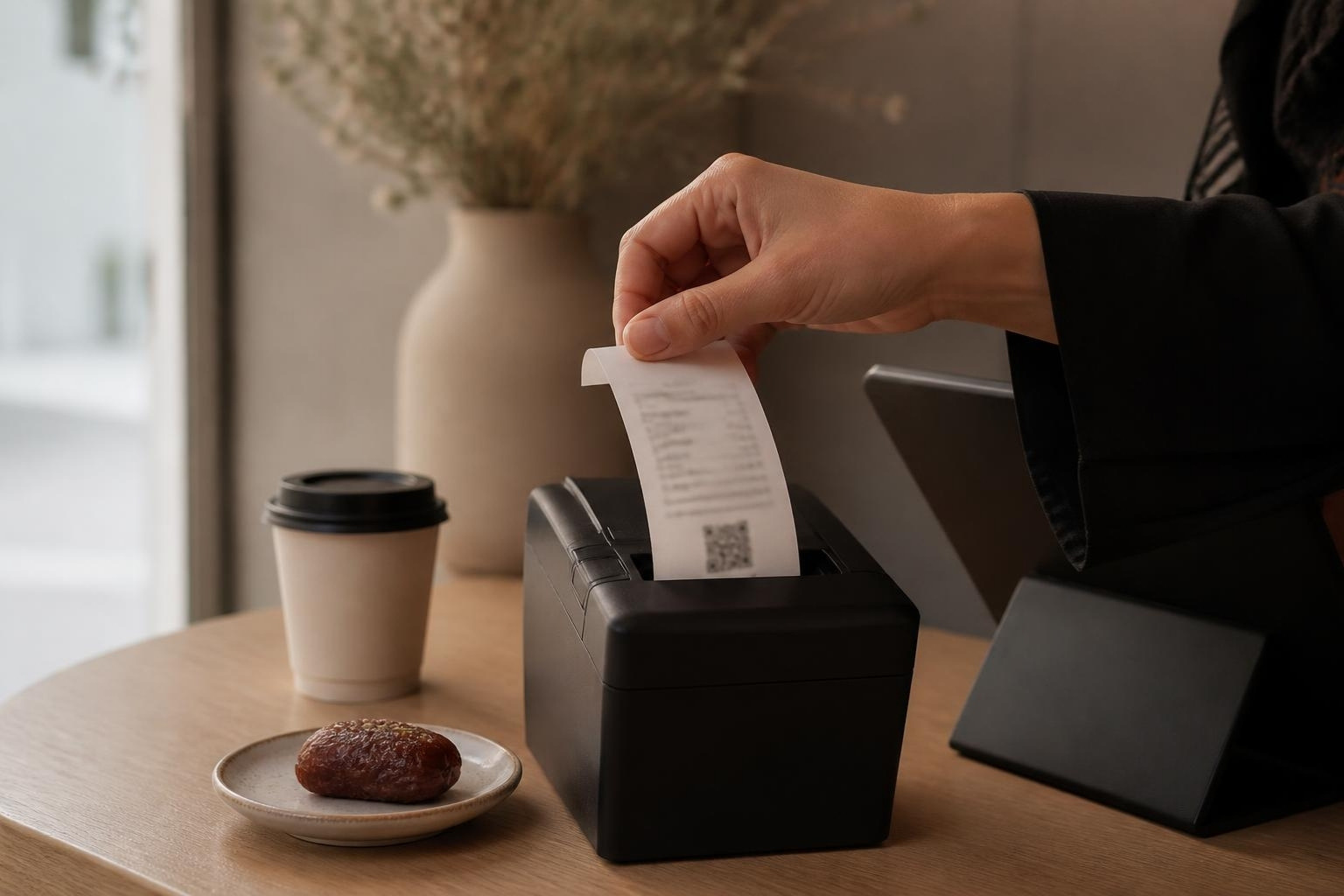
A-0418Reported
Every sale is a ZATCA e-invoice
A simplified tax invoice, signed with the QR on the receipt and reported to Fatoora. Set up once with your Fatoora onboarding; after that every invoice reports on its own.
Point-of-sale software for restaurants, cafés and shops in Saudi Arabia. Every sale is a ZATCA e-invoice, and the register keeps selling when the internet drops.
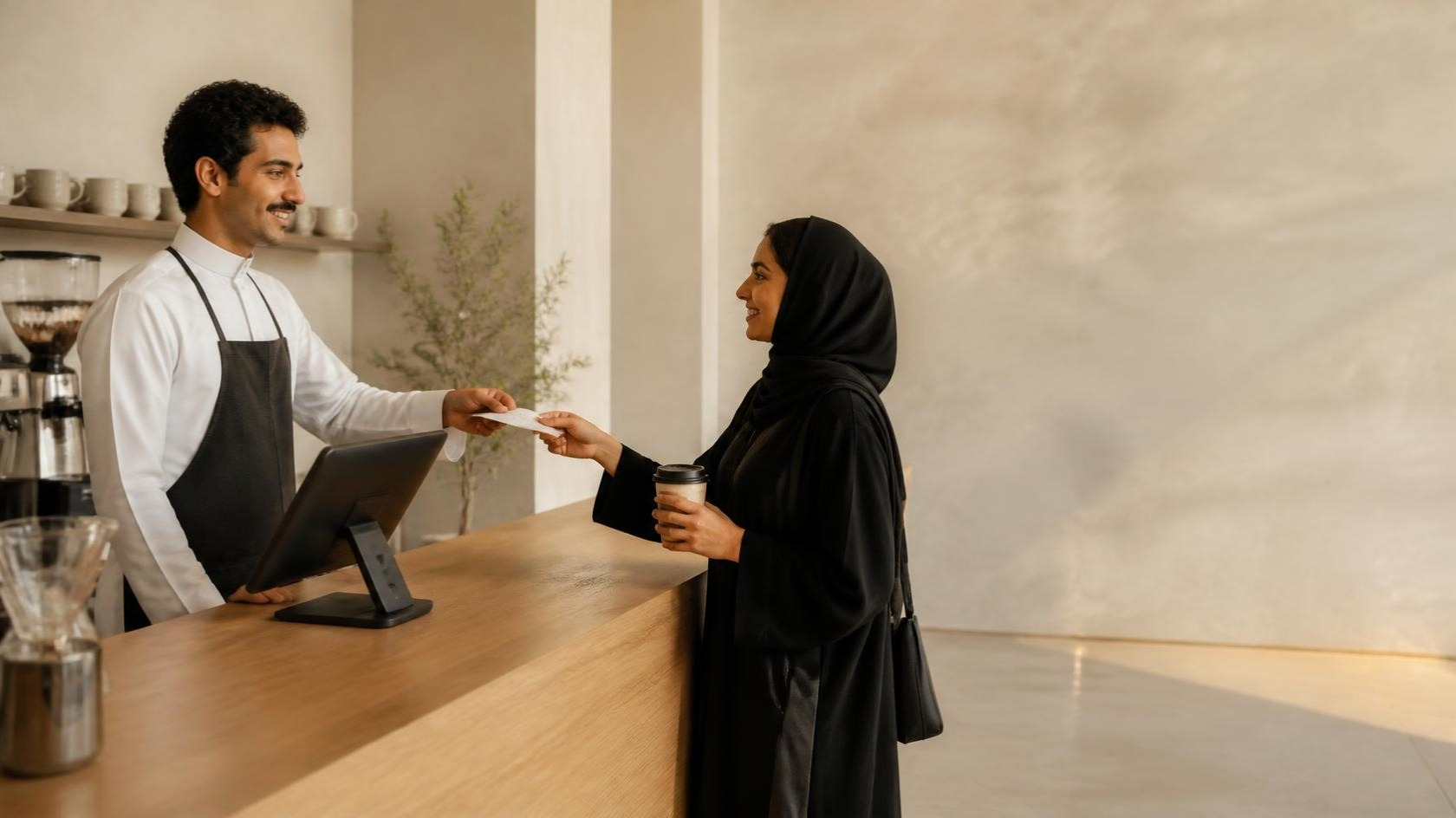
Simplified tax invoice · reported to Fatoora at 09:41
| وصف | كمية | سعر | مبلغ |
|---|---|---|---|
| كابتشينو Cappuccino | 2 | 18.00 | 36.00 |
| كرواسون زعتر Za'atar croissant | 1 | 12.00 | 12.00 |
| مياه Water | 1 | 2.00 | 2.00 |
Tap the items on the grid, or scan the barcode.
The invoice gets its QR and goes to Fatoora, now or when the connection returns.
Arabic and English, the VAT shown, the QR on it.
All of it is in the product today, except what is marked coming soon. Where something belongs to one edition, it says so.
A simplified tax invoice, signed with the QR on the receipt and reported to Fatoora. Set up once with your Fatoora onboarding; after that every invoice reports on its own.
3 waiting — they go as soon as the register is back online.
If the internet drops, the register keeps issuing invoices and reports the queue when the connection returns, inside the 24 hours ZATCA allows.
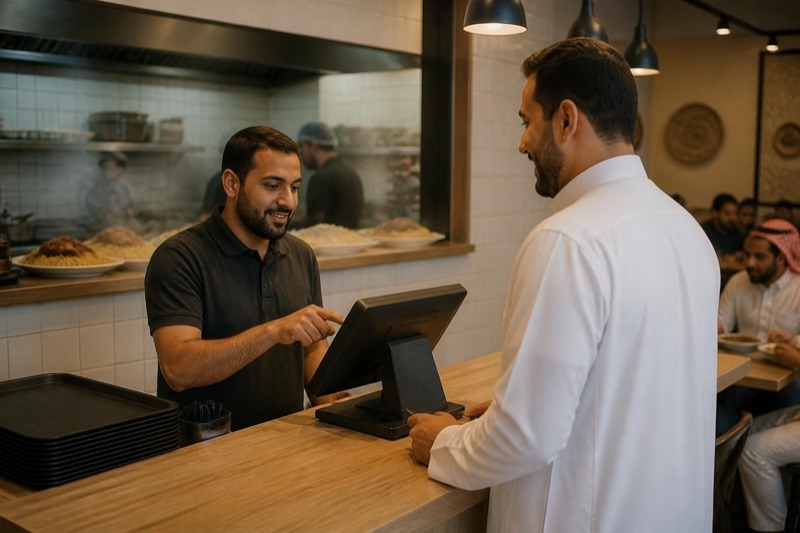
Pick what the customer ordered from a grid of your items, take card or cash, and the receipt prints. Menu, categories and held orders are built in. No stock to keep.
| Item · الصنف | Barcode | Stock |
|---|---|---|
| USB-C cable 1 mكيبل USB-C | 6291041500213 | 14 |
| Clear caseغطاء شفاف | 6291041500220 | 2 |
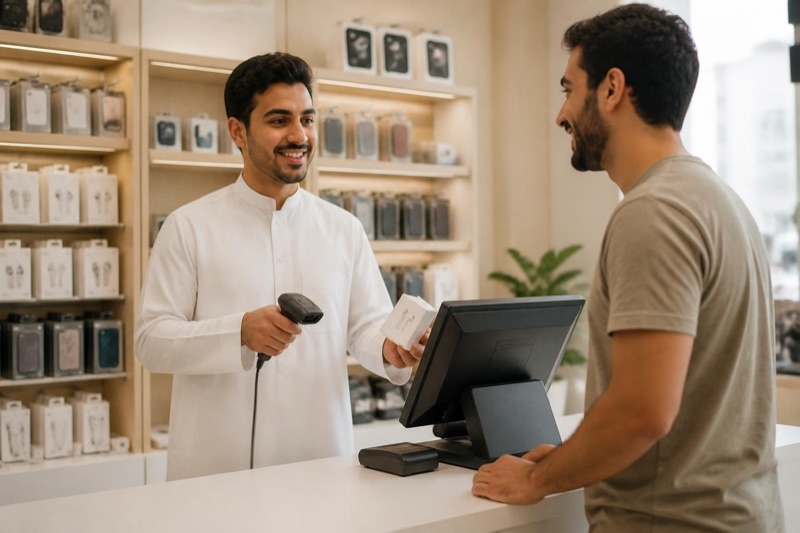
Scan the barcode, sell, and the stock comes down. Receive deliveries, count stock, and see how many of an item each branch holds.
Both languages on one receipt, with the invoice number and the VAT shown, the way your customer and your accountant expect.
Coming soon
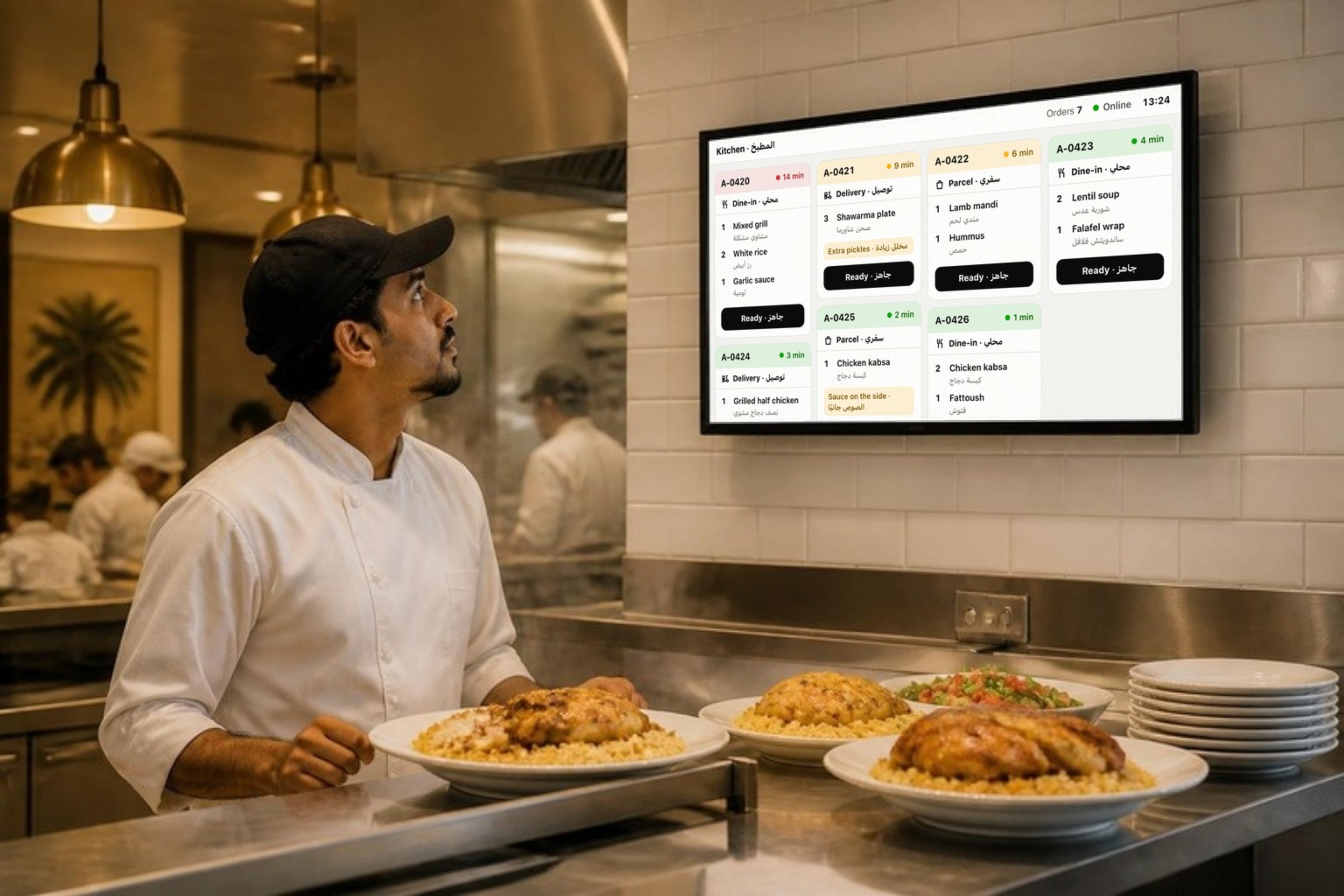
The moment an order is rung up, it shows on a screen in the kitchen: dine-in, parcel or delivery, what to make, the customer's notes, and how long it has waited. The cook taps Ready and it clears. It comes with the counter edition, for restaurants and cafés.
Dine-in · محلي
Delivery · توصيل
Extra pickles · مخلل زيادة
Parcel · سفري
Sauce on the side · الصوص جانبًا
On your own PC, every invoice is also copied into a backup folder you choose. In the cloud, your records live in your own instance, backed up and kept for six years. Either way they are yours to export.
Run the Windows app on the PC at your counter, or run Tallira in the cloud on any PC, Mac, tablet or phone with a browser. Same register, same receipt.
We set up the register, your items and your first ZATCA onboarding with you, and we tell you exactly which printer and scanner to buy.
Counter edition
Counter edition
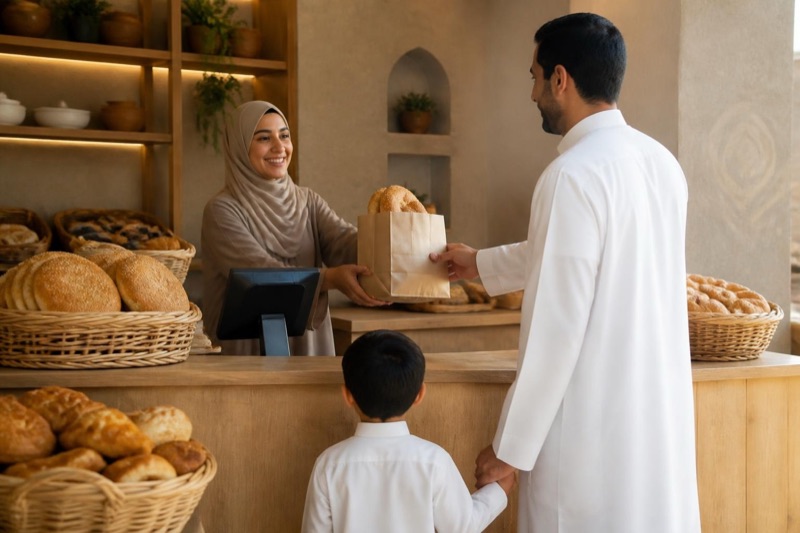
Retail edition
The Reports tab shows the day: sales, invoices, VAT, card against cash, the top items. Pick a day, a week or any dates, and export a CSV for the accountant.

Coming soon
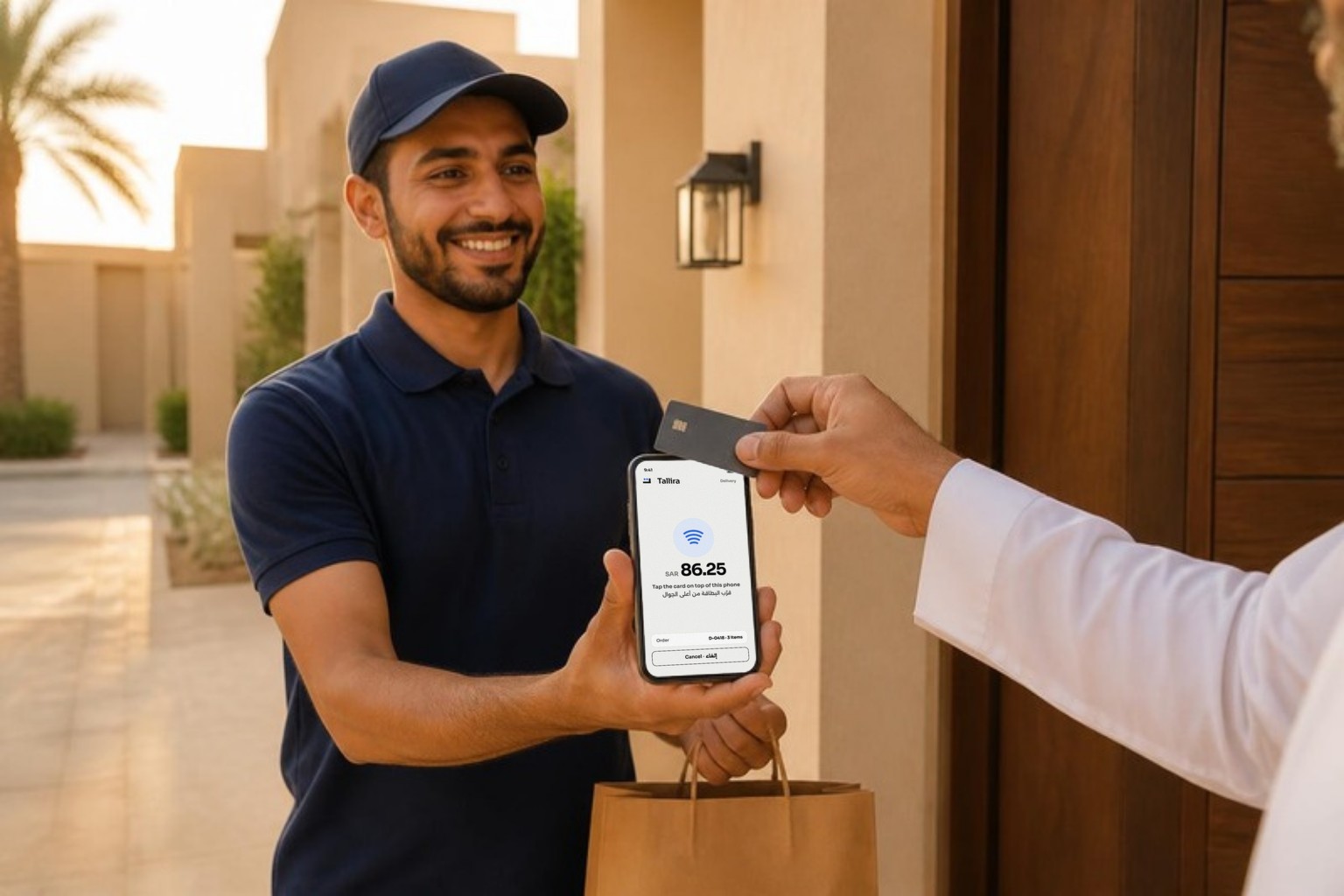
The Tallira mobile app makes your phone the register. Build the bill, take the card and hand over the invoice wherever the customer is: at their door, at the table, or across the shop floor.
Want it first? Say so when you book a demo.
A demo at your shop or on a call. The quotation comes after, for exactly what you run.
No commitment, and nothing to buy first.
Short answers on internet, hardware, your data and cost.
To sell, no. The register issues invoices with or without a connection and reports them to Fatoora when it is back online, inside the 24 hours ZATCA allows. You need a connection for the first setup.
A Windows 10 or 11 PC for the installed app, or any PC, Mac, tablet or phone with a browser for the cloud. Either way an 80 mm receipt printer, and for shops a barcode scanner. A cash drawer and a card terminal are optional and your own. We tell you exactly what to buy before you order anything.
Yes. On your own PC, your invoices stay on that PC and in a backup folder you choose; we hold your licence, never your sales. In the cloud, your records live in your own instance, backed up automatically, kept for six years, and they stay yours to export.
It depends on your setup: one register or several, your own PC or the cloud, with or without stock. After the demo we send a quotation for exactly what you run. Setup and your first ZATCA onboarding are part of it.
The register keeps selling either way. Staying on new versions and on ZATCA's rule changes is part of what we agree in your quotation, so you are never caught out when the rules move.
Not yet. Today Tallira issues simplified tax invoices, the kind a walk-in customer gets. If most of your customers are VAT-registered businesses, say so when you book.
Tell us about your business and we will get in touch to arrange the demo, at your shop or on a call. Or write to hello@tallira.app.